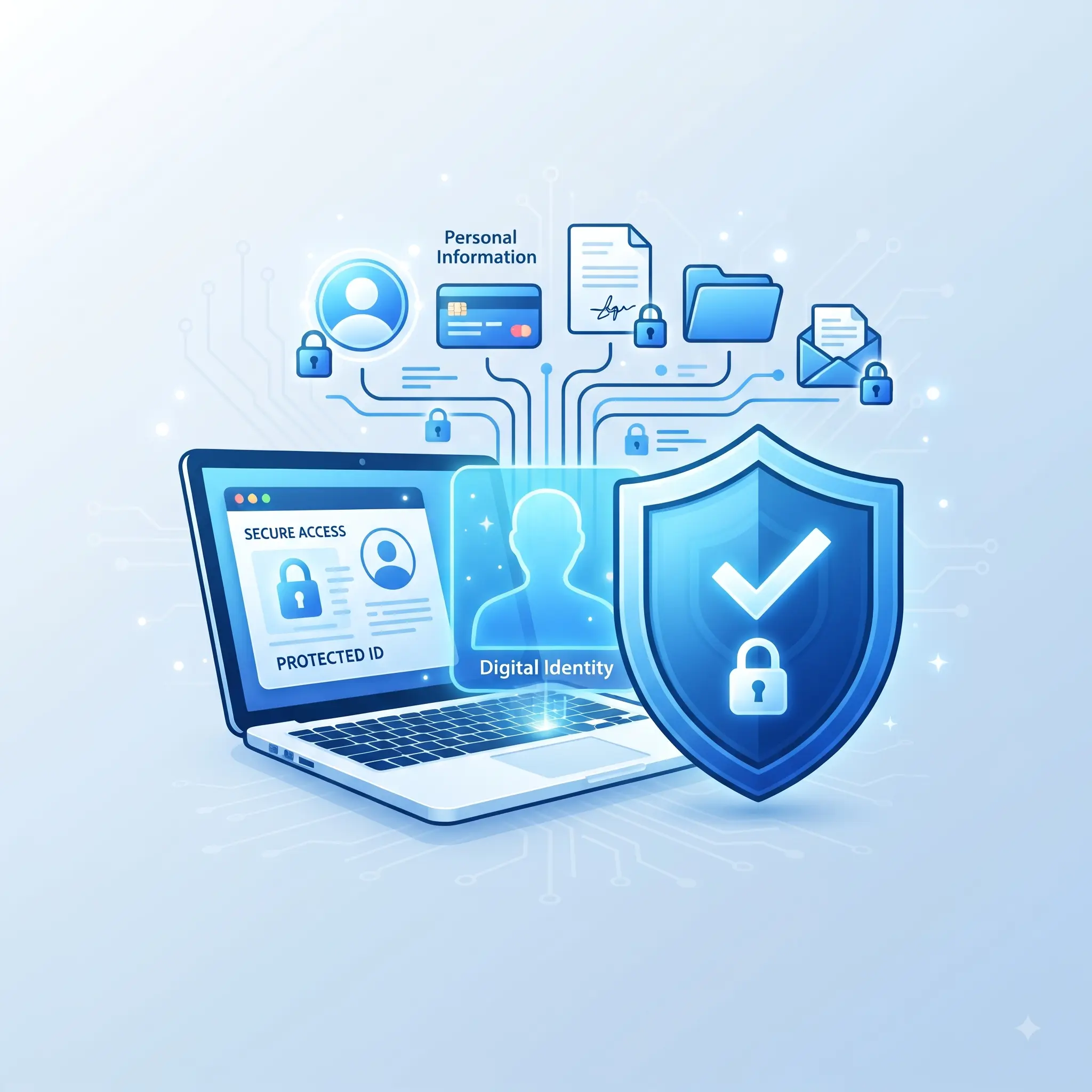
How to Protect Online Privacy: A Beginner’s Step-by-Step Guide
How to Protect Online Privacy: A Practical Guide
Why Is Online Privacy Important?
Personal information becomes more valuable when it is combined with other information. Usually, one individual piece of information is not incriminating. However, your emails, purchases, location, interests, and social media posts can potentially create a detailed picture of your behavior.
Improving your privacy will not eliminate the risk of your account being hacked. However, it can help you maintain more control over your digital life and reduce the amount of personal information unnecessarily exposed online.
What Does Protecting Online Privacy Actually Mean?
Protecting online privacy means having the ability to control your personal information as it is collected, transferred, stored, and used when you engage with different websites, applications, and services.
Your digital life includes your emails, photos, search history, location, conversations, and accounts. Just as you would lock the doors to your home to protect your physical possessions, your digital information deserves appropriate protection.
Being private online doesn’t mean you have to be completely anonymous. Being private means being conscious about the information you provide and getting rid of access you don’t need.
For example, an app can be used to take photos, so it may need access to your camera. However, that doesn’t necessarily mean the app needs access to your contacts or exact location. It’s up to you to decide what an app can see based on the permissions you give it.
The same principle applies to websites and online accounts. Only provide the information and access necessary to use a service.
The Most Common Reasons for Poor Online Privacy
Posting personal information on social media has become so easy that many people do it without thinking about the potential consequences. Social media posts can contain information about your family, job, habits, plans, and even your location.
Posting about plans to go on a long vacation, for example, can reveal information to people outside your circle of trust. You should also be careful about posting personal information that you wouldn’t want copied or shared because anything posted online can potentially spread beyond its original audience.
Using Weak or Reused Passwords
Using the same password on multiple accounts creates a major privacy and security risk. If one password is compromised, other accounts using the same password may also be at risk.
Each important account should have a unique password. A password manager can help you generate and store different passwords without requiring you to memorize every one.
Giving Apps Too Many Permissions
Applications frequently request permission to access information on your device. However, an app does not necessarily need access to everything it requests.
Routinely checking your application permissions can help reduce unnecessary access to your camera, microphone, contacts, photos, location, and other personal information.
Excessive Online Tracking
Websites and advertising systems can use trackers to understand your browsing behavior and personalize advertisements. While some tracking may be difficult to avoid completely, you can often reduce unnecessary tracking by adjusting your browser, device, and account privacy settings.
8 Best Ways to Protect Your Online Privacy
1. Use Strong and Unique Passwords
Using unique passwords for each account is an important step in protecting your online privacy. Your primary email account deserves particular attention because it may be used to reset passwords for your other accounts.
If you want to use different strong passwords for all your accounts, consider using a reputable password manager. The important thing is to avoid using the same password everywhere.
2. Turn On Two-Factor Authentication
Two-factor authentication, commonly called 2FA, adds another verification step after you enter your password.
If someone obtains your password, the additional authentication requirement can make it considerably harder for them to access your account. Start by enabling 2FA on your most important accounts, especially your primary email.
3. Review Your App Permissions
Look through the permissions your apps currently have and check whether they can access your camera, microphone, contacts, photos, location, or other information.
Revoking permissions from apps that don’t need them is a simple way to reduce the amount of personal information unnecessarily exposed.
Make a habit of checking permissions when installing new applications and reviewing them periodically afterward.
4. Think Carefully About What You Post Online
There are certain types of information that should remain private. Avoid publicly sharing your home address, phone number, financial information, login credentials, or other sensitive details.
Even information that seems harmless on its own can become more revealing when combined with other information you’ve posted.
Before sharing something, ask yourself whether it is necessary and whether you would be comfortable with that information being copied or seen outside your intended audience.
5. Adjust Your Browser’s Privacy Settings
Your browser contains several settings that affect how websites interact with you. These can include cookies, tracking, permissions, pop-ups, location services, and stored data.
You don’t need to change every setting at once. Start with the options you understand and gradually make adjustments that fit your privacy preferences.
Private or incognito browsing can limit what is stored locally on your device, but it does not provide complete anonymity. Websites can still collect information about your activity, and your internet service provider may still be able to see network activity.
6. Keep Your Devices and Software Up to Date
Software updates often include security patches that address known vulnerabilities. Continuing to use outdated software can increase your exposure to security problems.
One simple way to stay current is to enable automatic updates whenever that option is available and appropriate for your device.
7. Exercise Caution When Using Public Wi-Fi
Public Wi-Fi can be convenient at airports, hotels, cafes, and other locations, but convenience doesn’t necessarily mean security.
When handling sensitive information, such as financial accounts or important personal accounts, use a trusted network whenever possible. If you need to perform an important task while away from home, a trusted mobile connection may be preferable to an unknown public network.
Social media platforms frequently change their features and privacy controls, so it is worth reviewing your settings periodically.
Check who can view your posts, who can contact you, who can find you using your contact information, and who can tag you in posts.
Reducing your digital footprint doesn’t mean you have to give up social media. You can simply reduce the amount of personal information that is publicly available.
Big-Impact Privacy Habits
Privacy doesn’t have to be a massive undertaking. Small changes can make a meaningful difference over time.
Use a Separate Email for Low-Priority Accounts
Creating a separate email address for newsletters, promotions, and less important accounts can help protect your primary email address and reduce unwanted messages.
Be Careful With Links in Messages
If you receive a message claiming to be from your bank, shopping service, or another important account, don’t automatically use the included link.
Instead, open the official website or application yourself and check your account there. This can help reduce the risk of falling for phishing attempts.
Close Old and Unused Accounts
Old accounts may still contain personal information even if you haven’t used them in years. If you no longer need an account, consider closing it and deleting the information if the service allows you to do so.
Before deleting an old account, make sure you don’t need any files or information stored there and that another account doesn’t depend on it.
Common Online Privacy Mistakes to Avoid
Using the Same Password Everywhere
The impact of a data breach can be multiplied when the same password is used across multiple accounts. Unique passwords limit the damage if one account is compromised.
Clicking Unexpected Links
Phishing attempts can arrive through email, text messages, social media, or other communication channels. Before entering sensitive information, verify that the sender and destination are legitimate.
Automatically Accepting Every Permission
Don’t automatically approve every permission request. Review what an application is asking to access and determine whether that access is actually necessary.
Assuming Individual Pieces of Information Are Harmless
Your birthday might not seem particularly sensitive on its own. However, when combined with your address, phone number, workplace, and other information, it can contribute to a much more detailed profile.
Ignoring Software Updates
Updates are released for a reason, and security patches are often an important part of them. Delaying updates indefinitely can leave devices exposed to known vulnerabilities.
Confusing Private Browsing With Anonymity
Private or incognito browsing doesn’t make your online activity invisible. It primarily limits what information is retained locally by your browser after the private session ends.
The Benefits and Drawbacks of Protecting Your Online Privacy
Benefits of Better Online Privacy
The primary benefit of protecting your online privacy is that less of your personal information is unnecessarily exposed.
Reducing the amount of available information can make it harder for others to build a detailed profile of your online activities. Stronger account protections can also reduce the potential impact of stolen credentials.
Privacy-focused habits can give you greater control over your digital information and help you become more aware of what you share.
Drawbacks of More Privacy-Focused Habits
Privacy protections can require additional effort. Some websites may behave differently when you restrict tracking, cookies, or permissions.
You may also need to spend more time reviewing settings, managing passwords, and completing additional authentication steps. However, these actions can become routine once they are incorporated into your normal digital habits.
What Is the Reality Behind Incognito Mode?
Private or incognito browsing does not make your browsing activity anonymous. Instead, it primarily prevents certain browsing information from being saved locally in your browser after the private session ends.
Websites, network providers, and other parties may still be able to collect information about your online activity.
Frequently Asked Questions About Online Privacy
What Can I Do to Protect My Privacy?
A good place to start is your primary email account. Use a strong, unique password and enable two-factor authentication.
After securing your email, review your app permissions, social media privacy settings, browser settings, and other important accounts.
Should I Give Apps All the Permissions They Want?
No. You should generally give applications only the permissions they actually need to perform their intended functions.
Review permission requests carefully and revoke access that is unnecessary.
Is It Safe to Use Public Wi-Fi?
Public Wi-Fi can be convenient, but you should be cautious when using it for sensitive activities such as online banking or managing important accounts.
Whenever possible, use a trusted network or mobile connection for tasks involving sensitive information.
How Frequently Should I Adjust My Privacy Settings?
You don’t need to adjust your privacy settings every day. Reviewing important account, browser, and device settings every few months can be a useful habit, particularly after major software or platform updates.
Are Password Managers Safe?
Password managers can be useful for creating and storing unique passwords for different accounts. They can help you avoid the common mistake of reusing the same password across multiple services.
Choose a reputable password manager and protect it with a strong master password and available security features.
Can I Completely Stop Companies From Tracking Me?
Complete online anonymity is difficult to achieve. A more realistic goal is to reduce unnecessary tracking while controlling the personal information you provide.
Review your privacy settings, limit unnecessary permissions, and avoid sharing information that a service doesn’t need.
Should I Remove Old Accounts?
When you no longer use an account, closing it can reduce the amount of personal information stored with a service you no longer need.
Before deleting an account, make sure you download anything important and check whether another service or account depends on it.
What Do I Do If My Password Was Likely Stolen?
Change the compromised password as quickly as possible and use a new, unique password. If you used the same password on other accounts, change those passwords as well.
Enable two-factor authentication where available and review your account activity for anything unusual.
What Is the Most Critical Factor in Online Privacy?
Habits are one of the most important factors. The everyday decisions you make about passwords, permissions, account security, and the information you share can have a significant impact on your privacy.
A Beginner’s Online Privacy Checklist
This can all be a lot to take in at once. If you want to make gradual improvements rather than giant leaps, focusing on your email account is a great place to start.
Use a strong, unique password for your email and turn on two-factor authentication. Next, review the permissions granted to applications on your phone and remove access that isn’t necessary.
After that, review the information publicly available on your social media accounts and adjust your browser’s privacy settings.
If you’ve been putting off software updates, now is also a good time to update your operating system and important applications.
You don’t have to make every change immediately. Work through the checklist at your own pace and allow your new privacy habits to become part of your normal routine.
Conclusion
You can still use the internet, social media, and modern technology without giving away more personal information than necessary. Protecting your online privacy is largely about becoming more mindful of your digital footprint and making better decisions about what you share.
If you’re interested in exploring more general lifestyle and everyday-interest content alongside practical digital habits, you can also visit Banxia Xiaoshuo.
The most useful privacy improvements are often simple. Use unique passwords, enable two-factor authentication, review the permissions you give applications, share less personal information, keep your software updated, and regularly check your privacy settings.
You can’t completely remove every piece of information about yourself from the internet, but you can have more control over what you choose to share. Start with one small change today and turn it into a habit that helps protect your digital privacy over time.