How to Remain Productive While Working From Home
How to Remain Productive While Working From Home
Working from home seems easy enough until the lines begin to blur between your work and your life. The kitchen is steps away, your phone is always there, and there are no signs telling you when you worked or when to stop working.
I do not think it is about a lack of self-discipline, but about a different type of structure since there is no longer an environment to separate your work and your personal time.
Productive work from home routines are simple. It is about creating a workspace with working hours that are predictable, minimizing distractions on normal days and allowing for flexibility in your schedule.
Establish A Clear Starting Point For Your Workday
Since your home is now your office, you don’t have a clear starting point for work.
You may start your day, then check messages, reply to messages, make food, check on social media, and start working all before you even get dressed.
Creating a simple routine to start your day can work wonders. Dress, prepare your workspace, lay out your plans for the day, and start your day all at the same time if possible.
You don’t have to do copy an office routine, you just want to develop a clear separation between your personal time and your work time.
Create A Workspace
You do not need to have a separate office.
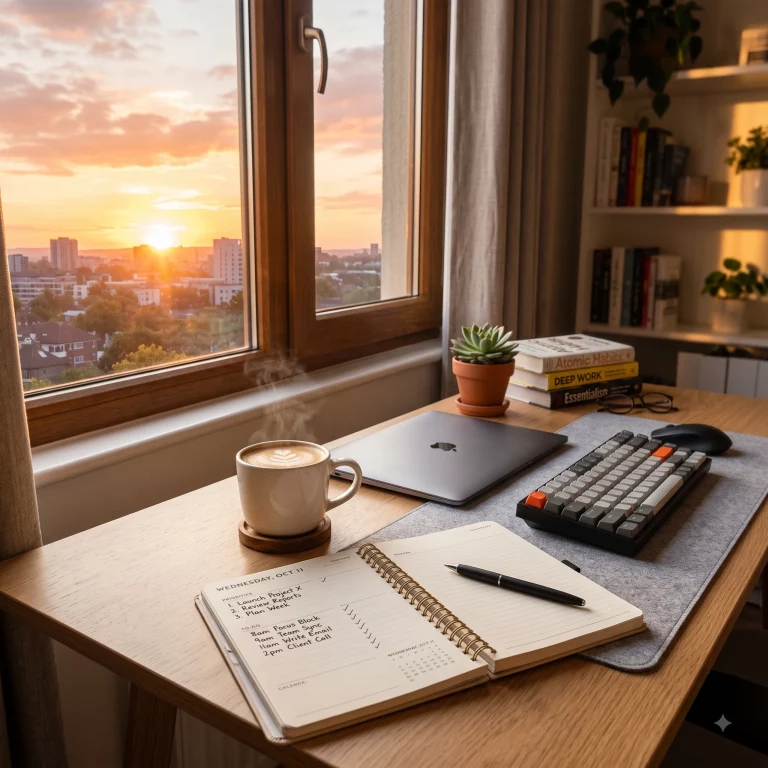
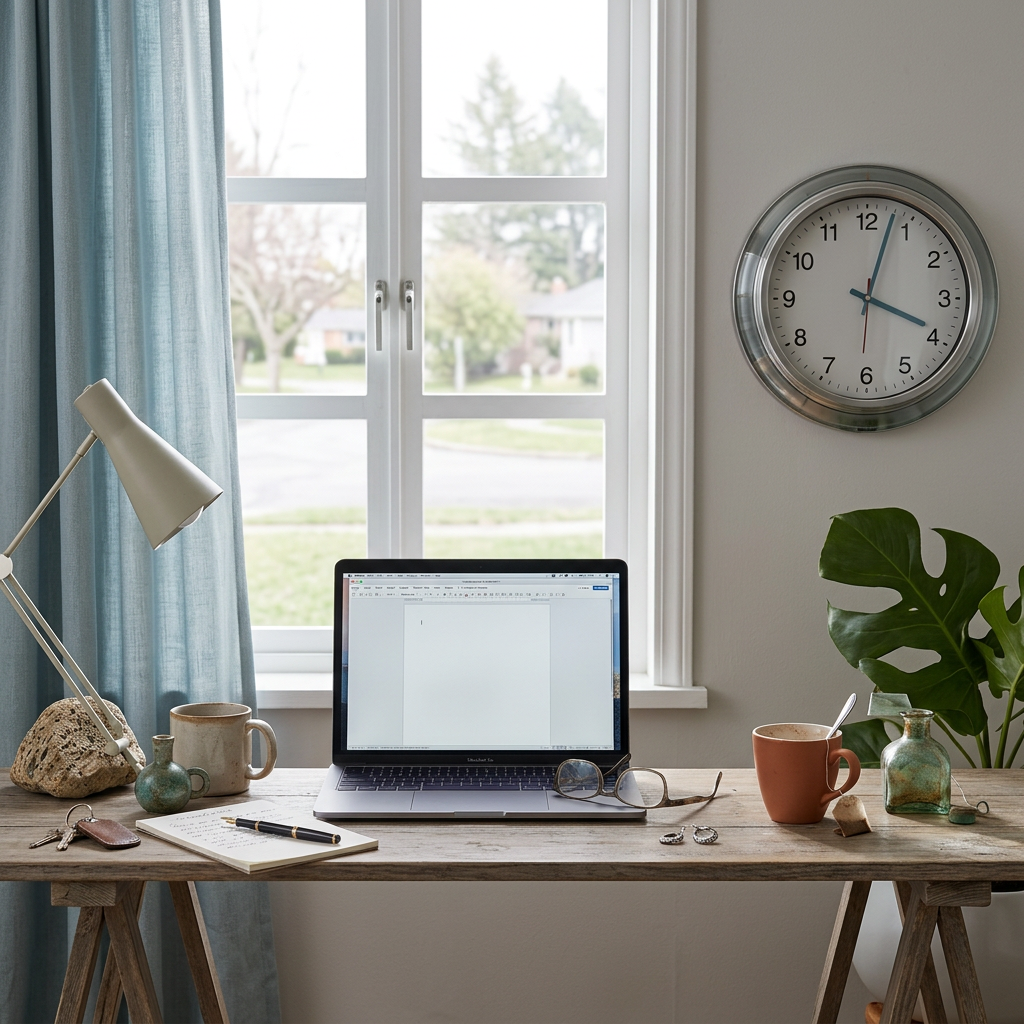
You could reserve a desk in a corner of the living room, but the most important thing is having your own space that you consider your work area. If you aren’t consistent about where you work and end up working on the sofa or in bed, you may end up losing the distinction between work and relaxation.
Your work area should be comfortable and practical. You may also want to place your most used items near you, to avoid straining to reach them.
An improvement to your work area will more likely make you comfortable during longer work sessions.
Decide When You Are Working
Flexibility is a great work from home perk, but sometimes too much flexibility can cause issues.
If you do not set a specific time for beginning and ending work, you may find work filling up your entire day.
You may answer work emails during breakfast, perform a task in the afternoon, return to work after dinner, and check work emails before bed.
Set physically distinct working hours that align with your responsibilities. Flexible working hours do not mean that your working hours will be the same every day. However, working within boundaries and having schedules set will allow you to know when to work, and when to step away.
Plan Your Most Important Tasks
Creating an enormous task list leads to the feeling of having fallen behind.
Focus on what really matters for the day.
Identify tasks with the largest impact and the smallest tasks that can be done around them.
This approach is usually more effective than spending an hour making an exhaustive to-do list, which will not be effective when you sit down to work.
Don’t Mistake Being Busy For Being Productive
Just because you work for 8 hours does not mean you accomplished 8 hours of productive work.
Looking at your emails constantly, opening and closing different applications, attending pointless meetings, and answering all of your notifications quickly add up to hours of work without a lot of progress.
Often, your productivity really depends on the quality rather than the quantity of work you do in one day.
If you can, choose some time slots where you can have some peace and quiet to concentrate on some work.
Manage Your Phone
Working from home means your phone is now a huge distractions and only takes one notification to completely lose your focus and a minute of scrolling can turn into hours.
To keep notifications at a minimum, you can set your phone to airplane mode, which silences calls and messages, during your focused work hours.
If you need to work and have your phone out, use a setting where you can only receive important phone calls and messages.
Use Strategic Breaks Instead of Fighting Fatigue
It might seem like breaking up your work throughout the day is less time efficient, but fighting to power through provides no benefit. This is especially true in the hours between mid-morning and early evening.
Breaks help you re- energize. You can stand up, stretch, hydrate, take a snack, just remove yourself from the screen for a moment.
Breaks must truly be breaks.
After breaking for a minute to scroll social media, or a couple minutes to answer texts, it’s easy for your state to shift from refreshed to drained again.
Sometimes you can get away with occasional task switching, but if you find yourself in the laundry room randomly during the work-day, it might be best to go workout in your room for an hour instead.
Don’t Let Chores Take Over
Now with work from home, chores tend to be a much bigger draw than they would normally be. Laundry calls your name, dishes need to be done, and something that needs to be cleaned calls to you. You find yourself not even working in the middle of work- chores.
It’s okay to be flexible for a bit, but constantly jumping back and forth will ruin your focus more than anything.
If it isn’t an absolute must, your dishwasher can wait until it’s time for a planned break or after you have finished working for the day.
Let People at Home Know Your Schedule
If you have relatives, roommates, or any kind of housemate, make your working hours known.
Simple things like putting on headphones to block noise, closing the door, or a house meeting at the start of the week to determine when you can be disturbed the least.
Though remote work offers people the ability to work from home and have greater flexibility in forming a schedule, it doesn’t mean people you interact with throughout the day should act like you’re not there.
There are still going to be interruptions and distractions. The goal should be to minimize avoidable disruptions, but not create a negative environment where you can’t let anything happen.
Schedule Purposefully
Remote work tends to set a lot of meetings.
Some meetings are completely necessary. However, there tend to be some that are useful but unnecessarily long or a replacement to sending a quick meeting update.
If possible, go into every meeting with an agenda. After the meeting, take a minute to note the meeting outcomes and action items.
If a large portion of your day is spent in meetings, you’ll need to set aside time to actually do the work. A fully booked calendar will make completing tasks that are longer and require concentration difficult.
Keep Your Desk Organized
A desk that has everything you could possibly need organized can be distracting and lead to a poor use of the time.
You don’t need a full desktop organizer.
Keep items that you use the most readily available and remove everything that you don’t need on your desk.
If you have to take 5 minutes to reset before work the next day, it will make your mornings a lot easier.
Prioritize Physical Comfort
If you don’t set up your workspace ergonomically, you will be uncomfortable after sitting at your desktop for hours.
Pay attention to your chair, desk height, monitor position, and distance and placement of your mouse and keyboard.
You should also try changing positions and moving periodically through the day instead of simply sitting still for hours at a time.
If you begin to have physical problems or pain during the workday, do not just ignore it. Go get it checked out. Don’t assume discomfort is normal when you work from home.
Use Focus Systems
There is a simple way to add focus to each work session.
You can set_some_ work sessions with breaks as you go. You can also set a goal with each work session to complete a certain task before taking a break.
The system that works best likely depends on the nature of the work you do. Systems tailor_ed for writers, designers, programmers, and customer service people are simply different.
A key component of a productive system is the avoidance of unnecessary work switching.
Minimize Focus Distractions
Concentration relies on splitting your focus too many times.
While it may seem like you are working on many things at one time, concentration deteriorates when you are constantly switching between related tasks.
If you are focused on writing an important document, your concentration can be easily broken by answering persistent emails. Similarly, your participation in a meeting will suffer if you try to concentrate on answering emails.
Focus is best spent on important activities.
Manage Emails and Instant Messages
It is common for work emails or instant messages to quickly become a major distraction during the workday.
It can wait until you are ready to respond to it.
Your message and email system should reign your focus instead of being a major focus distraction during your work day.
Depending on whether or not it is possible, try to limit the amount of times you check your communication apps to a few scheduled times during the day instead of reacting to each notification.
Obviously some positions require more attention so approaching this in a vacuum isn’t the most helpful, but the goal is separating what is actually important and urgent from everything else.
Use Your Newfound Morning Freedom
An advantage of working remotely is that, under most circumstances, you will not have to commute.
This doesn’t mean you need to start your workday from your bed.
Treating yourself to a few more minutes or even a few hours to wash, eat, move around and prepare your mind for the workday can make a huge positive impact, even if you are just preparing to pick up where you left off.
Even a morning routine that is only a few minutes long will convince you that you have, in fact, started your day.
Build Your Boundaries
Figuring out when your workday ends can be more challenging than deciding when it begins.
When your office and your home are the same place, there is no physical transition to signal the end of the workday.
Define your own end-of-work rituals and stick to them.
Close your work applications, write down a list of things you left unfinished but need to complete tomorrow, clean your workspace, and leave the room.
If you work on a laptop, closing it is a visual signal to yourself that work is done. Creating this clear separation between work and personal time can also support Better Quality Sleep by giving your mind a chance to relax before bedtime.
This is important because constantly feeling like you should be working makes your time off less enjoyable and can make it harder to properly unwind at the end of the day.
Focus on Accomplishments
Focusing on what you completed throughout the day instead of what you were not able to check off your ‘to do’ list is important.
An uncompleted daily to-do list can create a sense that your day was unproductive. However, if you accomplished the big items, there is no reason to think you had a bad day because of the lack of a completion of smaller items.
Writing a list of things you did throughout the day can help you see how you naturally work.
Adjust Your Routine Instead of Blaming Yourself
Some days will be more productive than others
Your concentration will fluctuate based on your sleep, your workload, your personal obligations, your energy, and even unplanned things that happen throughout the day.
If a particular routine consistently does not work, do not try to make the routine work. It will likely end up annoying you.
Maybe you are more productive in the morning. Maybe the afternoon and evening are your better productivity hours. Maybe you need lots of breaks or fewer meetings.
Use your experience as information.
Productivity is not assuming you need to force yourself to work in the exact same way every day.
Build a Work-From-Home Routine That Fits Your Life
Having a good remote work routine can seem simple.
This routine can include starting at the same time, focused work to achieve goals, short breaks, and consistent communication with your team. You can end your work day at a consistent time.
This system isn’t creative because it isn’t designed to be.
You do not need a complex system if a simple system addresses all your issues.
Working productively from home is not about working harder, 24/7. It’s about creating effective work boundaries.
Productive work from home requires a workspace that you use only for work, consistent working hours (if you need them), prioritized tasks/goals, restricted notifications, truly desk-free breaks, communicated work hours to people outside work, and a closing time for work.
Work from home also needs an end to the work day to keep it from spreading into personal time.
Don’t think you have to master the art of work from home overnight. Habits and practice are the key to understanding the best timing for work. Distractions should also not be ignored. It is also about simplifying routines and habits in order to have a sustainable, productive work from home routine.
Frequently Asked Questions
How often should I take breaks while working from home?
The answer can be unique to individual needs, but I find it helps to take breaks when my focus starts to slip and take breaks based on the structure of work I do that day. Breaks can be used to move, rest your eyes, go get some water, step away from your working area, or any combination of the three.
Is it better to work from a desk or from the sofa?
A desk or a dedicated working area can be constructed to work with focusing, and using relaxation areas can blur your work/personal life borders (as they should be) and reduce productivity.
How can I stop working after hours?
The best way to stop working is to set a hard stopping time. This means going through your ‘hard stop’ tasks first, logging everything you need to for the next work day and then closing the work related programs on your computer and leaving your work area (if you have the flexibility to do so).
What if I am less productive at home than in an office?
Start by finding the reason. There is a possibility your lack of productivity is due to multiple factors like your workspace, distractions, communication, schedule, and/or structure. List these factors and pinpoint what you believe is the largest productivity killer for you.
Since people are experimenting more with at home working than ever because of the pandemic, all of these are fairly common problems with work from home. The biggest issue is always going to be separating your work from your personal time.